profilebrief.
paste a LinkedIn profile, a job post, a speaker bio, or your raw notes. get a printable one-page meeting brief — composed, not improvised — in about five seconds.
the night-before-the-meeting ritual, compressed. profilebrief reads what you paste, picks the signal, and hands you a one-pager: quick read, talking points, questions to ask, after-meeting notes. zero data leaves your browser. free forever, no account.
v1.0.1·live on chrome · firefox approved · edge approved·manifest v3


shortest path: open the install guide, or read the install-path guide / LinkedIn walkthrough first, then compare profilebrief vs Crystal Knows, Fellow.app, and manual ChatGPT below.
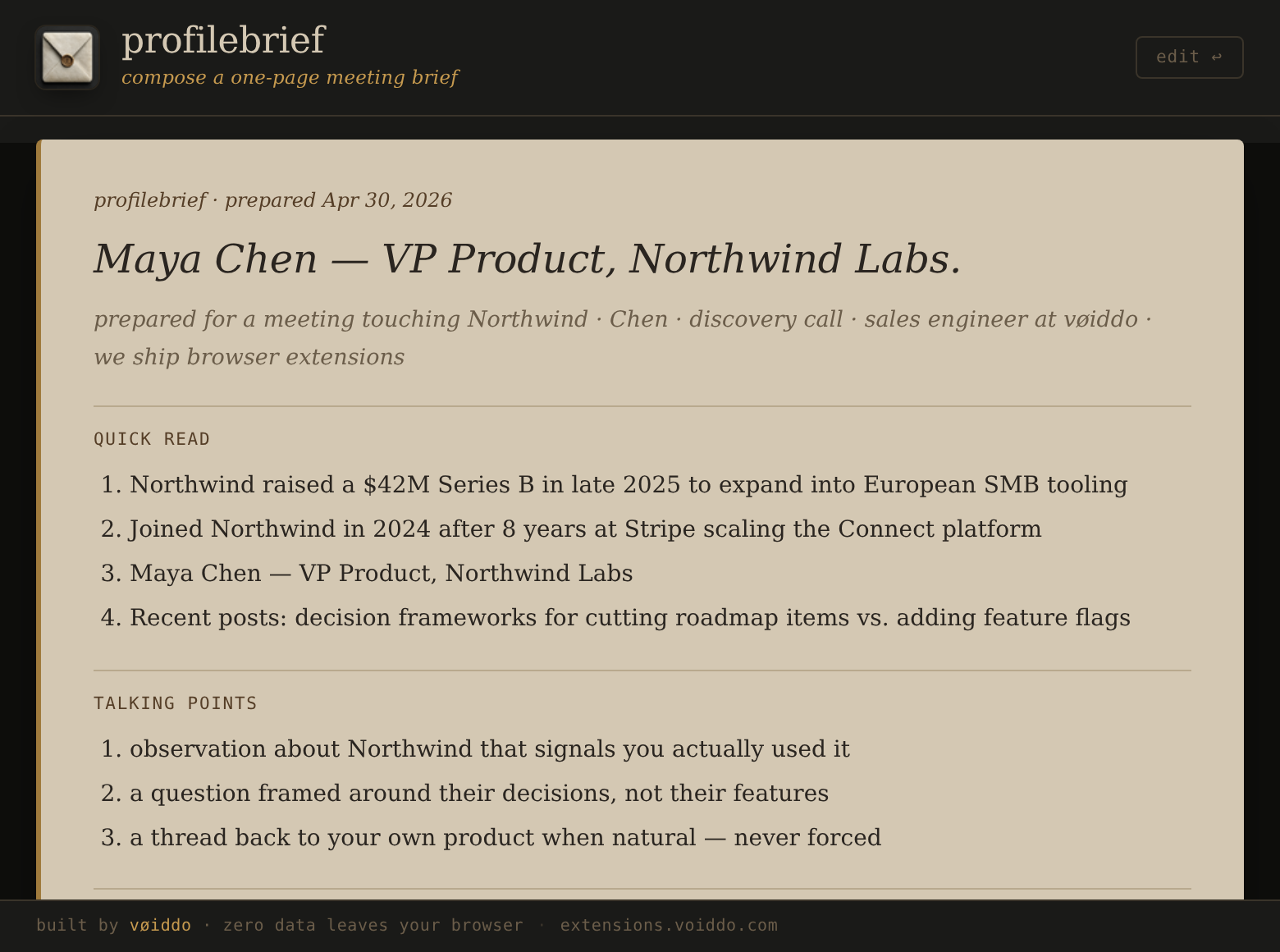
four sections. one printable page.
quick read
picks the four most signal-dense sentences from your input. names, numbers, decisions surface first. fluff sinks.
talking points
three prompts framed around what you actually paste — calibrated to whether the meeting is product, sales, engineering, leadership, or pure networking.
questions to ask
three sharp, non-generic questions, filled with their company / their topic. the kind that signal you read the page, not the pitch.
after-meeting notes
a clean editable block on the same page. capture what you heard, decided, owe — print or save .txt with notes attached.
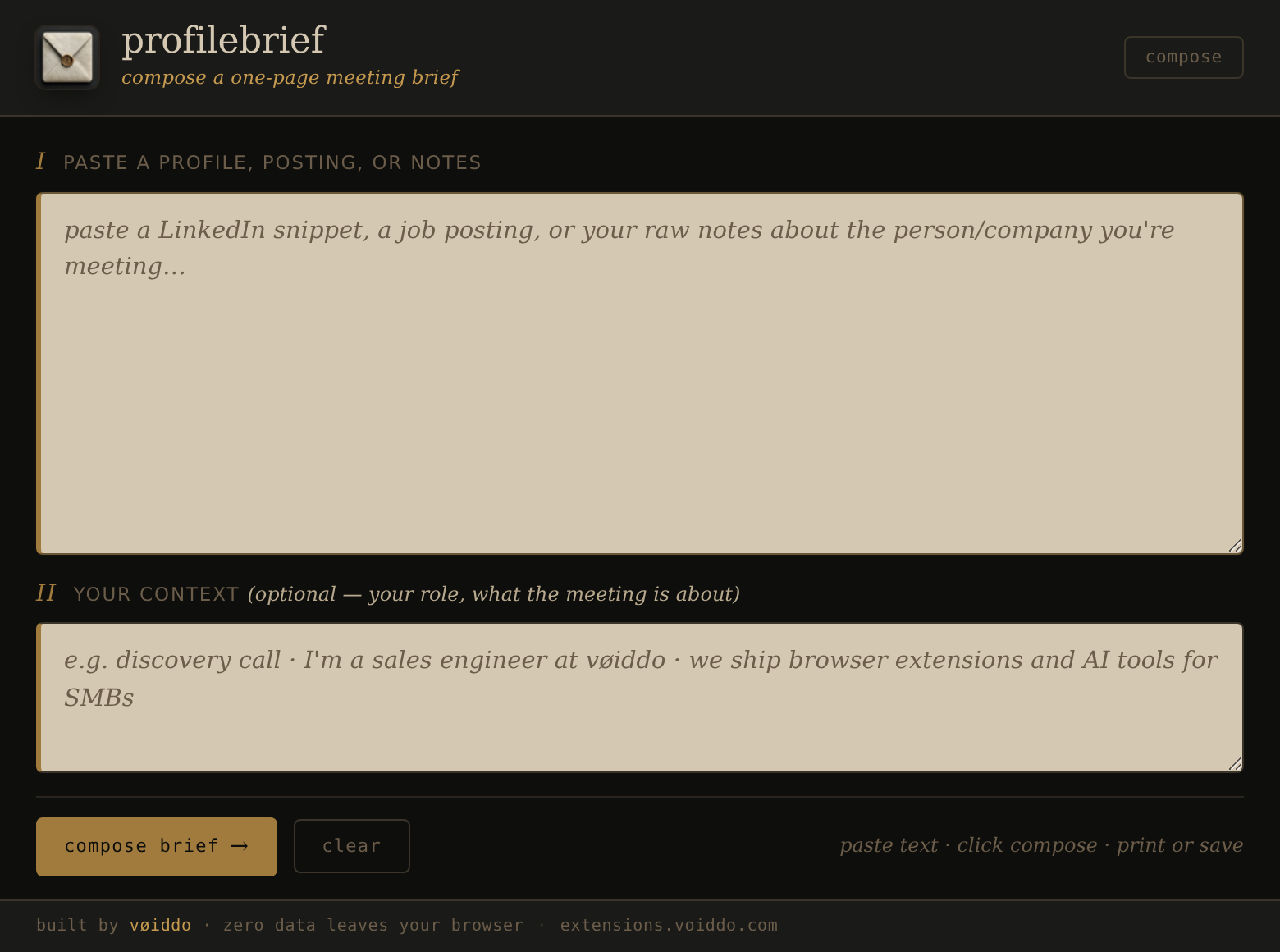
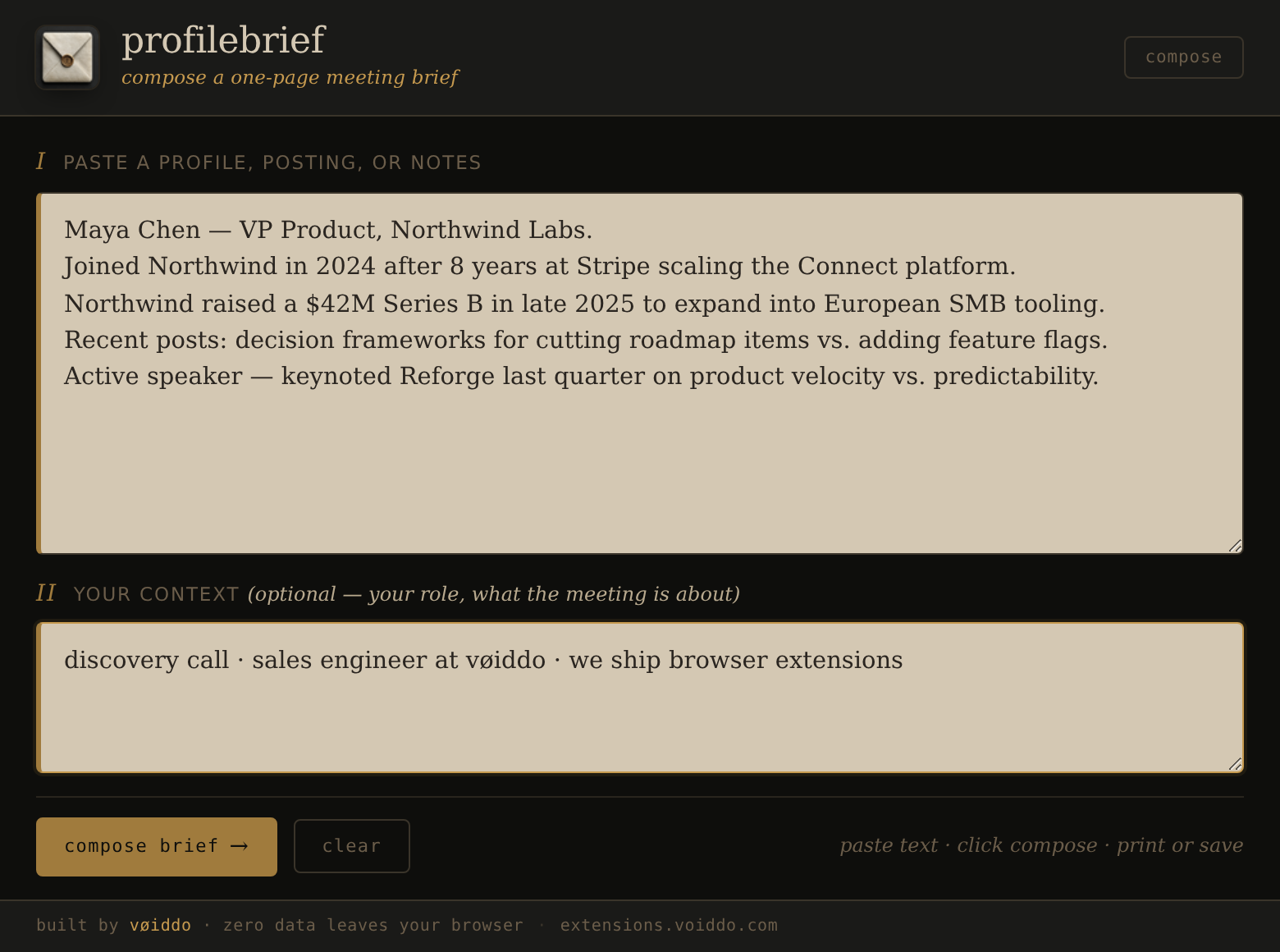
three states. one document.
empty state, the compose pane after pasting your input, and the brief render — captured from the actual extension running in chromium.
zero data leaves your browser.
profilebrief runs entirely in your browser. nothing is sent to a server. no account, no telemetry, no fingerprinting. the text you paste stays in the popup until you close it. printable on its own — works offline once installed.
required pages.
free forever — but every extension here ships a full paddle-compliant suite anyway, in case we ever add an optional pro tier. no hidden terms, no opt-out cookies, no email-grab.
privacy
no server, no telemetry, no analytics. the text you paste lives only in the popup.
terms
use, liability, license. plain english, not legal-pretend.
refund
free forever — nothing to refund. paddle handles money path if pro ever ships.
contact
support@voiddo.com. response sla under 36h on weekdays.
compare
see how profilebrief compares to Crystal Knows, Fellow.app, and manual ChatGPT prep for LinkedIn profiles, job posts, speaker bios, recruiter calls, and messy notes.
profilebrief vs Crystal Knows vs Fellow.app →now you're in the room. now what?
profilebrief gives you context before. tells analyses the conversation after — who talked most, who asked questions, how balanced the dialogue was, what communication patterns showed up.
paste any conversation transcript — get a structured communication audit. tone, balance, follow-up risks, speaking-time breakdown. 12 languages.
tells — free →three-step install path for your current browser.
this is built for speed. one click to store, one click into extension, one click to first output.
1) open the right store
click the browser-specific button and confirm installation prompt appears for profilebrief.
2) open popup & paste source
click the extension icon, paste one profile URL or notes, then press compose. keep a second tab open as fallback context.
3) print your first brief
open the generated one-pager and save/print while the details are fresh before the meeting starts.
blocked install?
- use the contact page for manual support if a browser blocks add-on install
- cross-check your browser version and disable policy locks from corporate profiles before retry
- if you already installed profilebrief and see a blank popup, reopen your browser to refresh extension permission state