jobmeta. autofill 11 ATS, score your fit, draft a tailored cover letter.
Install jobmeta on the browser you already use, pin the icon, and keep the whole application flow on the job page. One profile, eleven supported ATS platforms, and a cover-letter draft that stays close to the posting you are actually reading.



what you get on day one
jobmeta compresses the repetitive part of applying into one floating button. Install once, set your profile once, then use the same toolbar flow across the roles you care about.
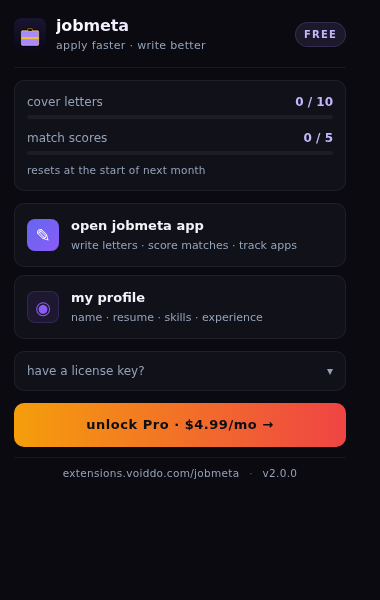
three short steps, then the next application page.
You do not need a dashboard or a separate workflow. Pick the browser, pin the icon, then let jobmeta read the page you are already on.
pick the store
Chrome covers Chrome, Brave, and Opera. Firefox covers Firefox and LibreWolf. Edge covers Microsoft Edge. Use the browser you already use for applying.
pin jobmeta
Keep the toolbar icon visible so autofill, match-meter, and cover-letter generation are one click away when you land on the next job page.
add your profile
Save the details you repeat the most, then use the free tier or Pro tier as your application volume grows.
the phrases people actually use when they want jobmeta.
These are the install-intent terms we want the page to catch, whether someone is comparing tools, searching the store, or asking a friend what to install.
one button for the three things applicants repeat.
If you are still deciding, compare jobmeta with the alternatives first. If you already know this is the right job-hunt flow, open the product page and install from the store that matches your browser.