install tokcount.
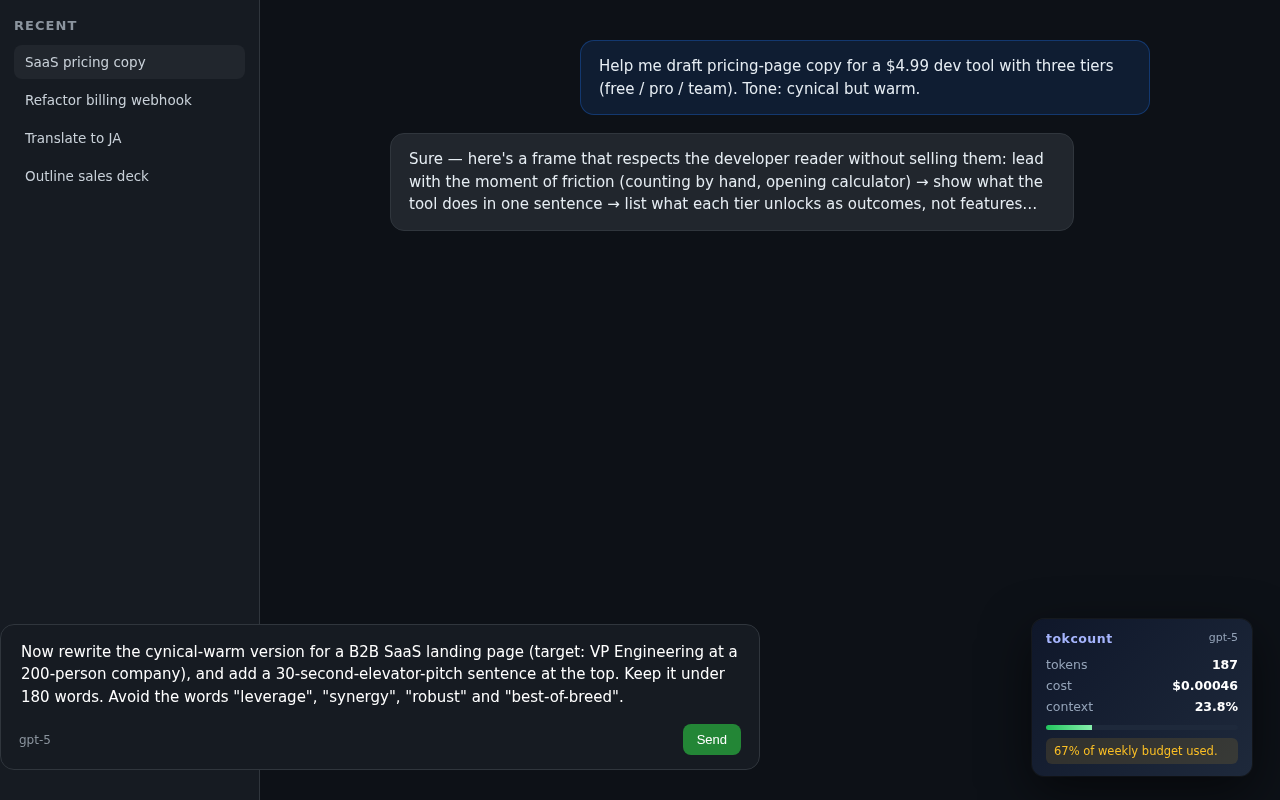
tokcount shows a live token count and cost estimate while you type in ChatGPT, Claude, Gemini, Mistral, Copilot, You.com, Anthropic Console, and other major chat surfaces. install it once, keep the counter visible, and stop guessing how long the prompt really is.



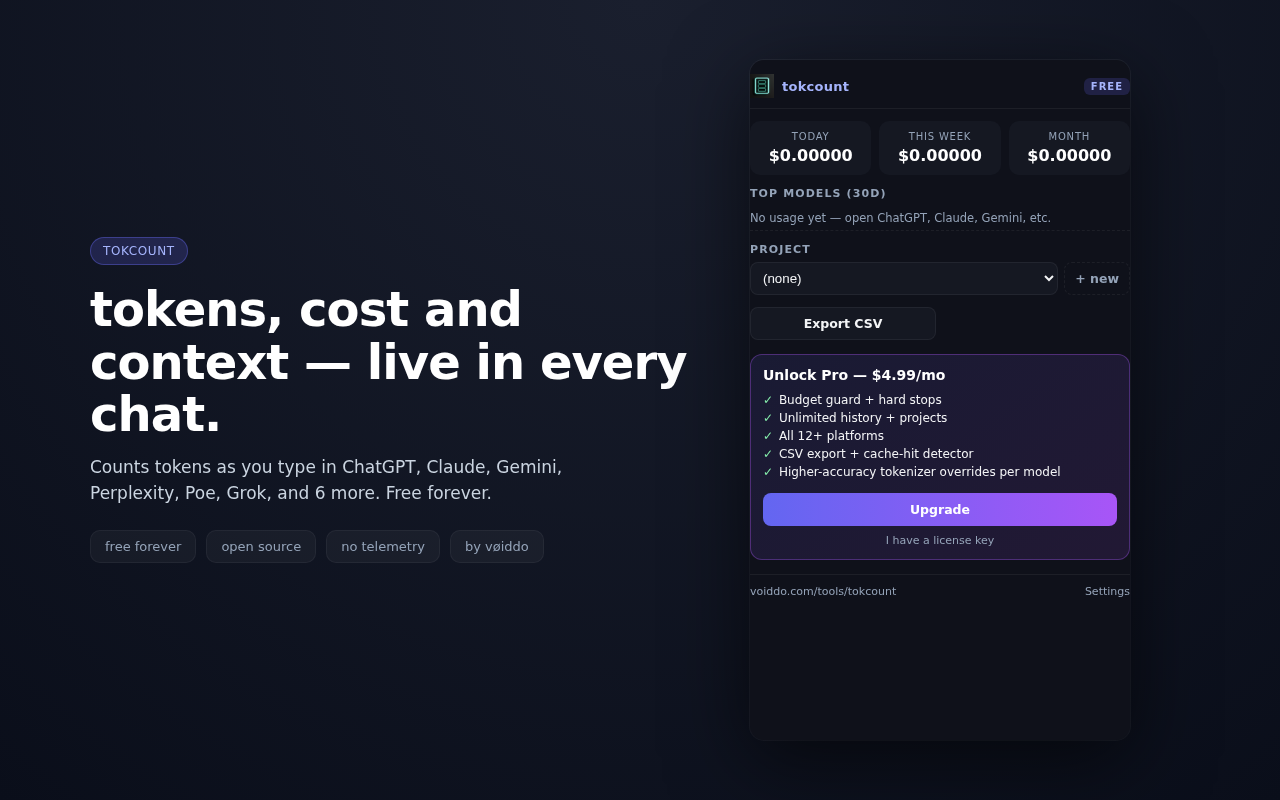
install tokcount, pin it, then open a chat.
choose your store
Install from Chrome, Firefox, or Edge. The same extension bundle ships across all three browsers, so you can match the store you already trust.
pin tokcount
Keep the toolbar icon visible if you want a quick glance at the counter, then leave the extension active on the sites you already use for prompts.
write with the counter on
Open ChatGPT, Claude, Gemini, or one of the supported chat surfaces and watch the count update as you type. If the prompt gets long, you will see it immediately.
who should install tokcount first?
prompt writers
Keep the prompt under control while you revise and compare variants across major AI assistants.
support and ops teams
Reply faster with a live token estimate when you are drafting longer customer-facing prompts or copied context.
agency and client work
Track token cost while building reusable client prompts, then compare tokcount against manual counting only if you need the alternative.
install questions, answered plainly.
Does tokcount need an account?
No. Install it and use it locally. The extension does not require sign-up or any prompt upload to show a live count.
Does my prompt text leave the browser?
No. tokcount is built to keep the counting inside the browser. It is a local helper for prompt length and cost estimation, not a remote analysis service.
Which browsers work?
Chrome, Firefox, and Edge all have install paths. If you use a Chromium browser such as Brave or Opera, the Chrome store link is the quickest route.
install tokcount now and keep the count in view.
Use the store that matches your browser, or compare first if you want the short decision path before installing.